
Who runs the check?
Checkr, a background check company. Your invite comes by email from Checkr Background Service (support@checkr.com), and Checkr may also send you text updates about your check. To learn how Checkr handles your data, see Checkr’s privacy policy.Before you start
The work location on your experts.afterquery.com profile is filled in automatically based on where you log in. We need it to send your invite, so there’s nothing you have to set. If your invite never arrives, email support@afterquery.com or contact your project POC (point of contact).How do I get my invite?
Look for an email titled “Start your AfterQuery background check”. Check your spam folder too. The email explains the three steps:- Head to your portal.
- Enter basic information, like your name and birthday.
- Get your report. Checkr sends it to AfterQuery and guides you through next steps.
How do I complete the check?
- Open the invite email and click “Get started”.
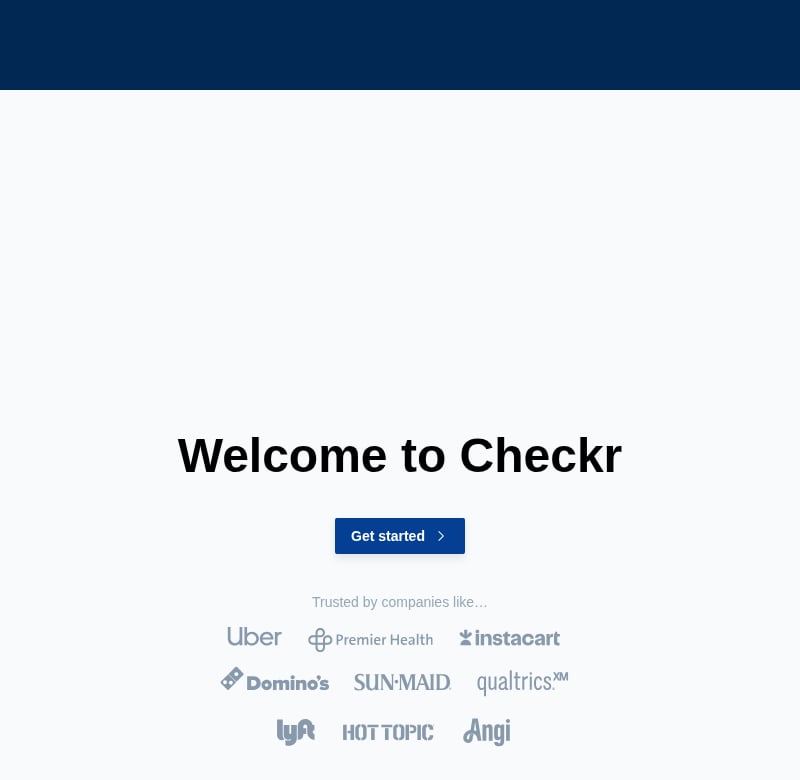
- You’ll see the “Welcome to Checkr” page. Click “Get started” again.
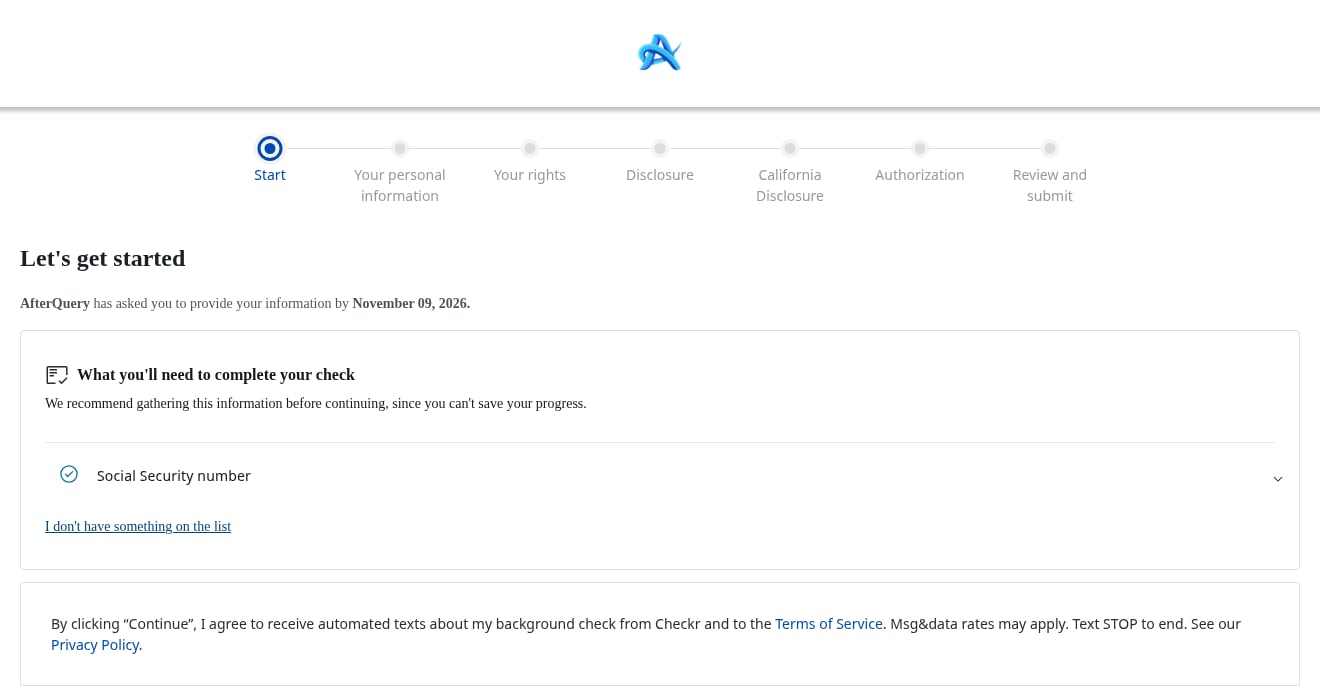
- On “Let’s get started”, review what you’ll need to complete your check, such as your Social Security number. If you’re missing something, click “I don’t have something on the list”. It helps to have everything ready before you start, but you can click “Save” to come back later.
- Click “Continue”. This means you agree to Checkr’s Terms of Service and to automated texts about your background check.
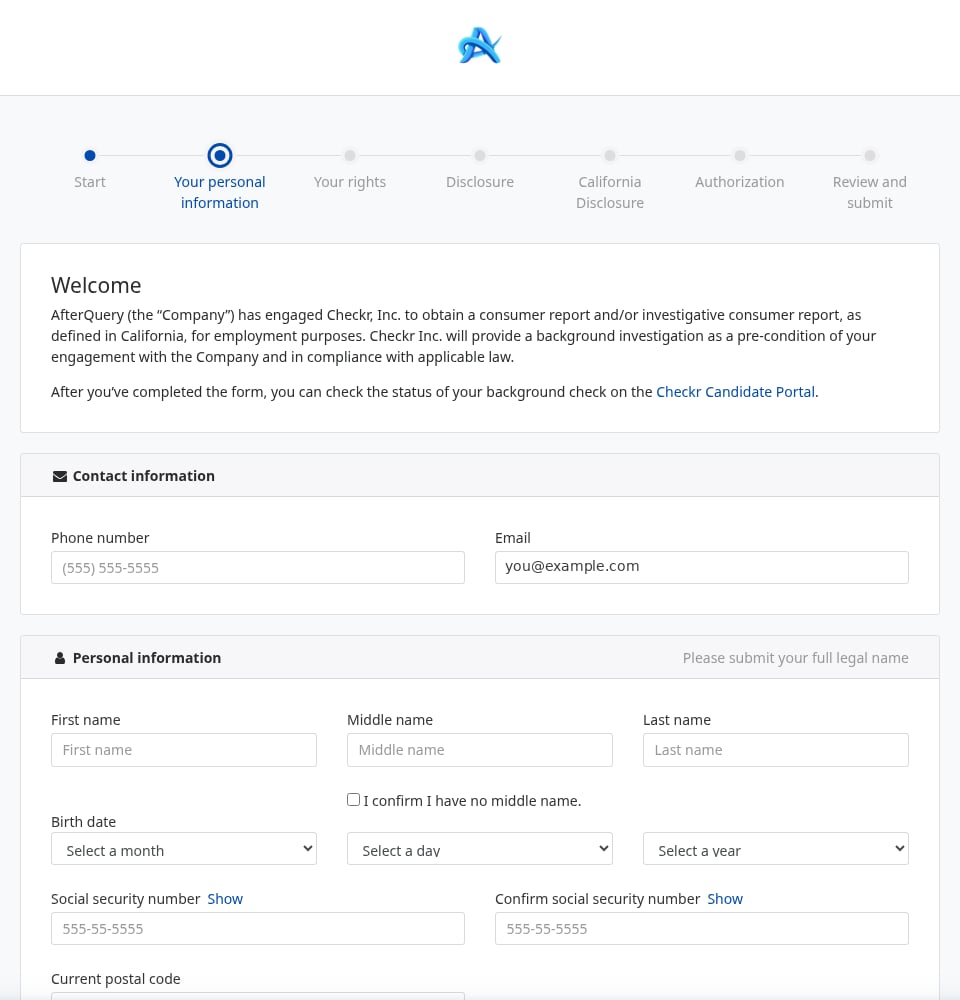
- Fill in your personal information (see the next section).
- Read “Your rights” and the disclosure pages. Depending on where you’re located, a state-specific disclosure may also appear (for example, a California disclosure).
- Sign the authorization.
- Review your answers and submit.
What information will I need to provide?
The personal information form asks for:- Phone number
- Email (already filled in)
- Full legal first, middle, and last name. If you have no middle name, tick “I confirm I have no middle name”.
- Birth date
- Social Security number (entered twice to confirm)
- Current postal code
How do I check my status?
After you submit, you can check the status of your background check anytime in the Checkr Candidate Portal. Checkr says the portal shows an estimated completion time and status updates (Checkr’s turnaround guide).How long does it take?
The form itself takes just a few minutes. After you submit, here’s what Checkr publishes about timing:- Most employment background checks take one to five business days (Checkr’s turnaround guide).
- Many Checkr customers receive results within one to three business days, while more comprehensive checks or ones with multiple verifications may take up to a week or longer (Checkr’s guide to statuses and results).
- Checkr reports that 89% of its criminal checks complete in under an hour (Checkr’s guide to statuses and results).
- County court searches, if a court has to retrieve records by hand (Checkr’s turnaround guide).
- Verifications that depend on a third party responding, like employment or education checks (Checkr’s guide to statuses and results).
- Holidays and holiday weekends, which can add hours or even days (Checkr on estimating completion times).
- Missing or mismatched information. A report can be paused (“Suspended”) until Checkr gets what it needs (Checkr’s guide to statuses and results).
- Slow responses. If you miss a message from Checkr, your check may take longer (Checkr’s turnaround guide).